
The family budgeting app
Stop wonderingwhere your
money went.
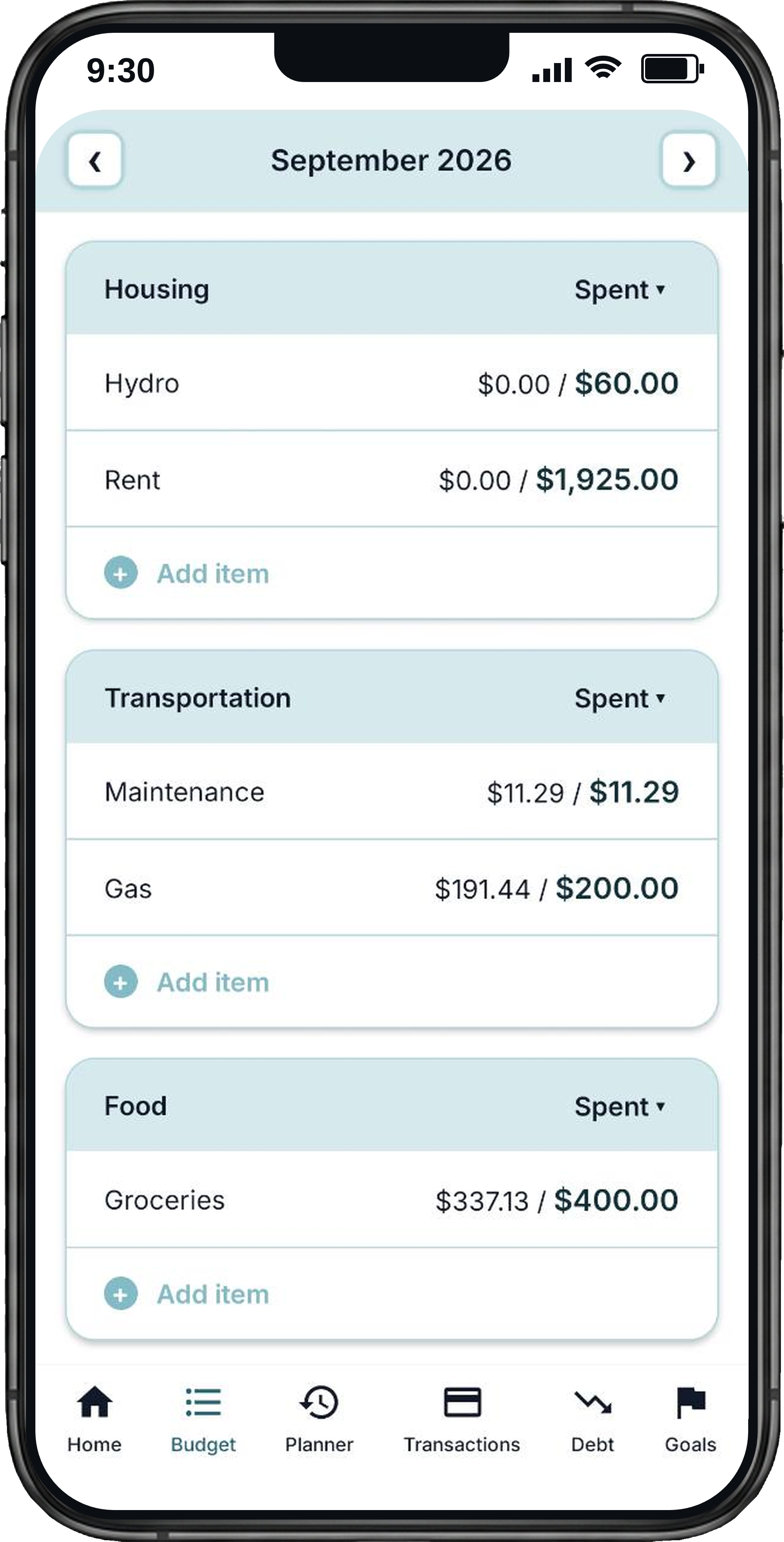
Plan your spending, pay down debt, and save for what matters. Millie helps you give every dollar a job, on your own or with your partner.
Try the interactive budget demo- Free to start
- No bank login needed
- iPhone and Android
Try it right here
You get paid.
Every dollar gets a job.
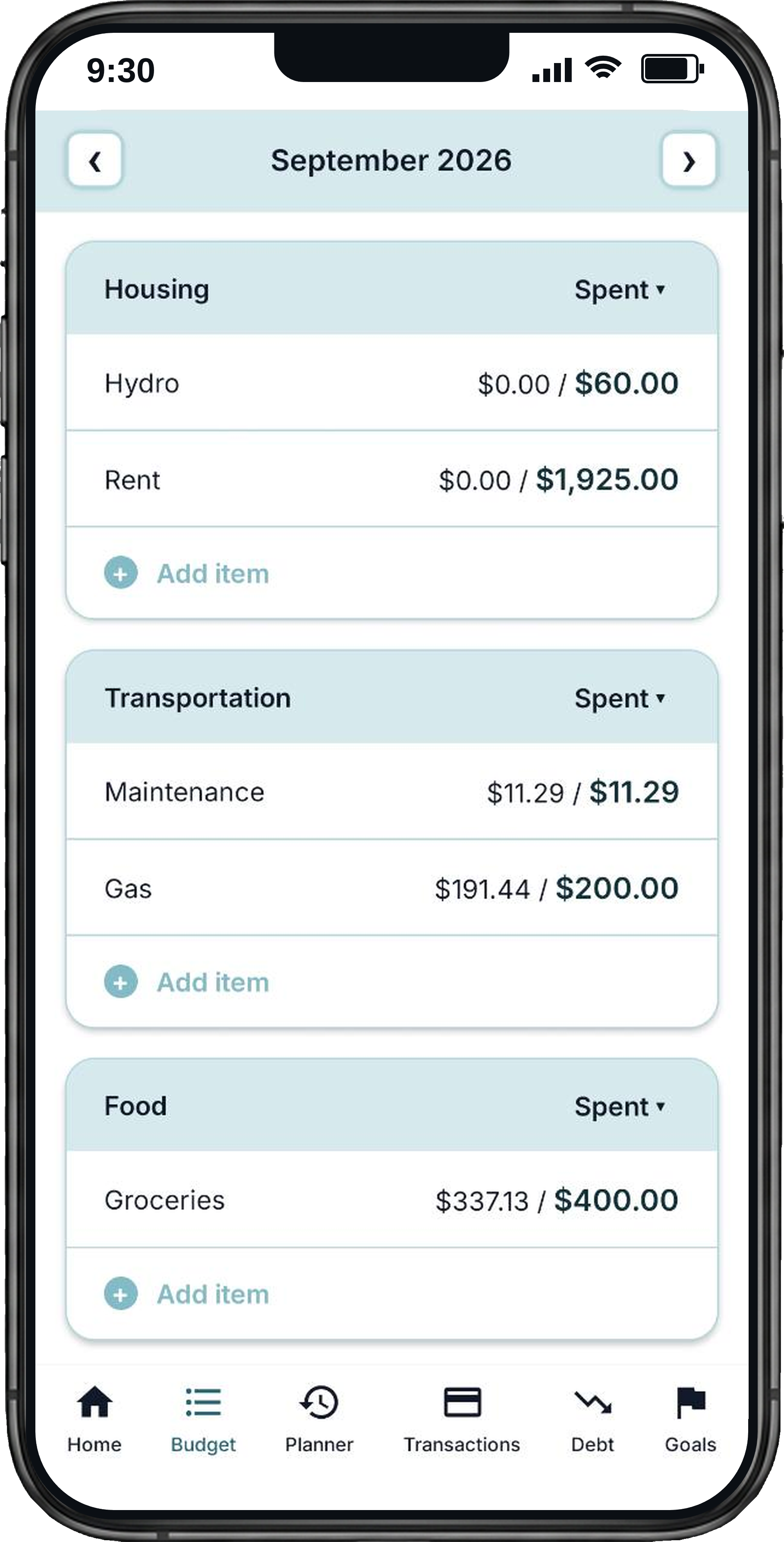
Tap the budget lines on the phone to plan this example $2,400 paycheck. As your planned amounts go up, your left to assign goes down.
Nothing has been spent yet. You are deciding where the money will go.
Try all eight lines. Scroll inside the phone to reach each category, then reset to try again. No download or sign-up needed.
$2,400.00 remaining to allocate
Income$2,400.00
Expenses$0.00
HousingSpent
FoodSpent
DebtSpent
SavingsSpent
Debt
Watch your debt-free date move closer.
List your debts, pick a strategy, and Millie orders the payoff for you. Every extra payment redraws the line.
Highest interest first. The cheapest way out, you pay the least interest overall.
$1,900less interest paid
31months to freedom
Goals
Save for the good stuff.
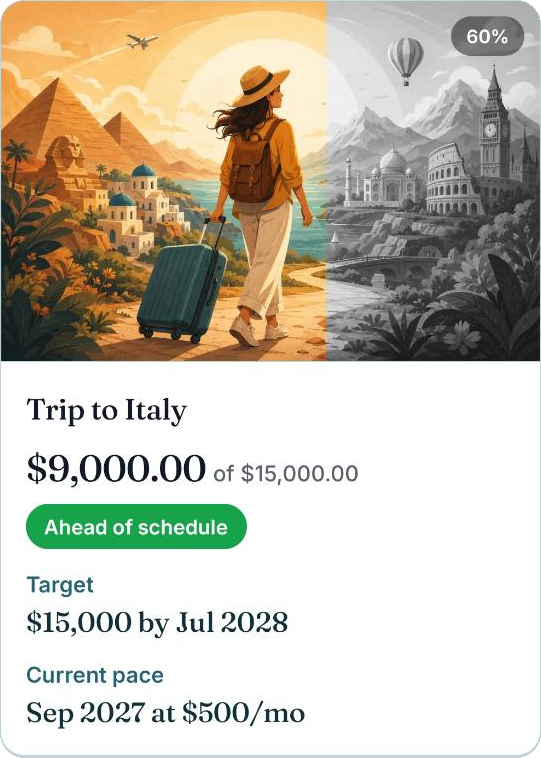
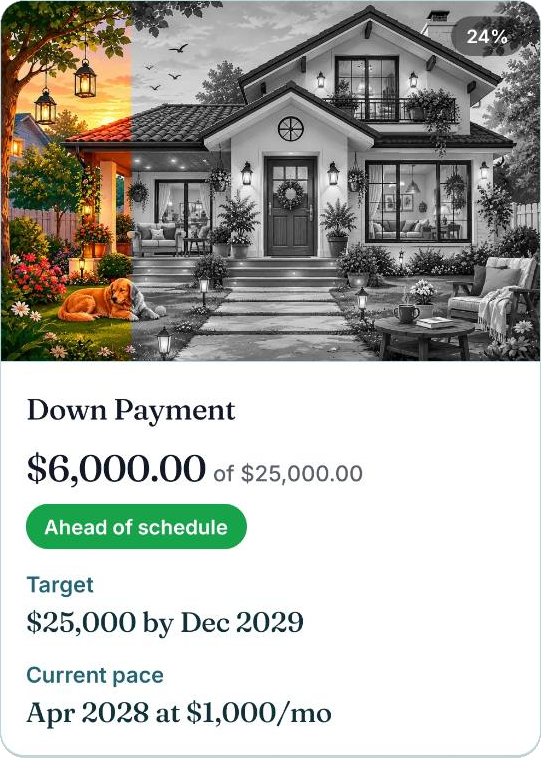
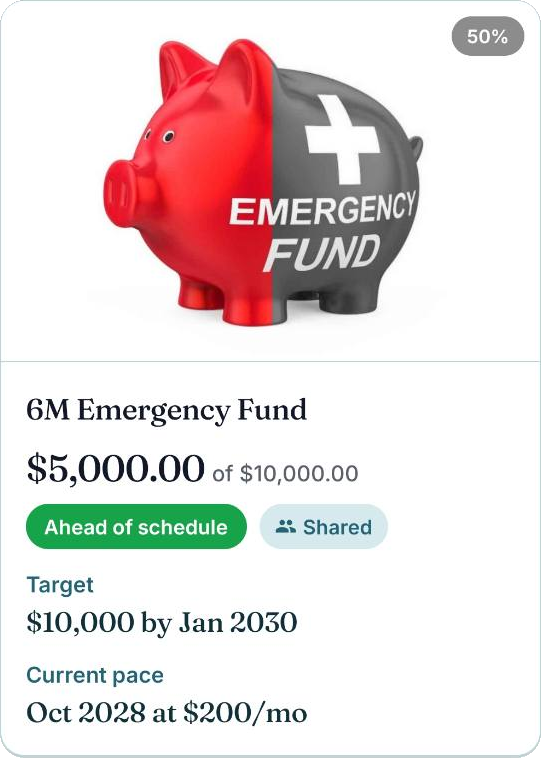
Give every goal a picture and a target, then watch it come to life as you save. Dreaming gets its own line item.
Family
One budget,
the whole family.
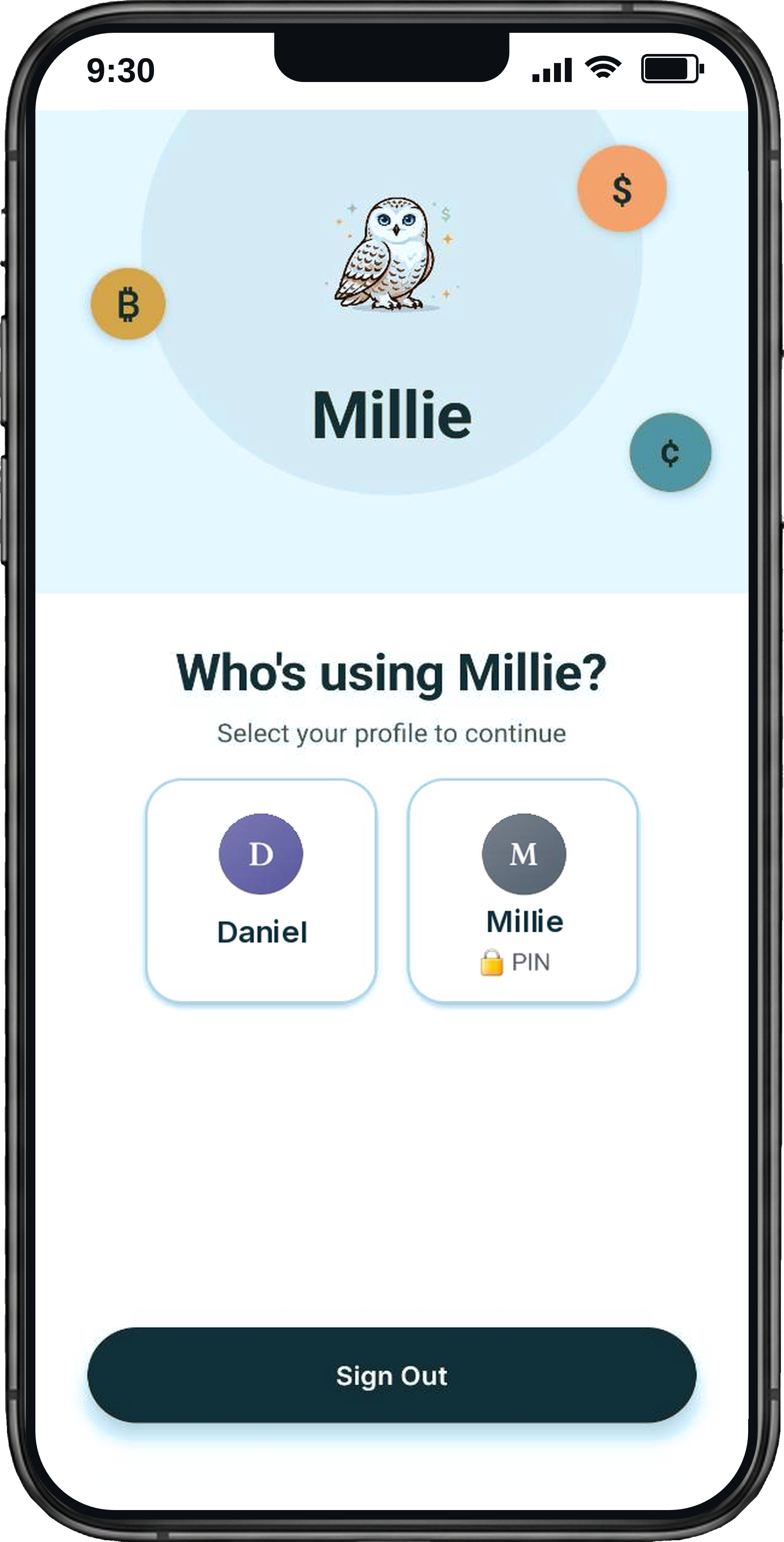
Profiles keep everyone's spending tidy, and partners can share budget items between accounts. Both of you see the same numbers, no shared password required.
- Separate adult profiles, one shared direction
- Share budget items, debts, and savings goals
- Partner sharing and extra profiles with Premium
Start with a plan, not a subscription
Make your first budget.
See how it feels.
Start free with everyday budgeting, debt payoff, savings goals, and manual transactions. Add Premium when you want more.
Free includes one adult profile, up to 50 budget items, and 3 months of history.
Download Millie freeDo I need to connect my bank?
No. You enter your transactions and balances yourself. Millie never needs your bank login, and you stay involved in where your money goes.
Can I budget with my partner?
Yes. Premium lets you share specific budget items, debts, and goals between accounts, with separate logins.
What does Premium add?
The daily Planner, partner sharing, unlimited budget items, adult profiles and history, categorization rules, and all themes. Current subscription prices and any available trial are shown in the app before you subscribe.
How do I cancel a subscription?
Manage or cancel your subscription in your Apple App Store or Google Play subscription settings, using the account you subscribed with.
Free to download
Give your money
a plan tonight.
Start free. Plan your spending. Take the next step toward what matters to you.
Available on Android and iOS.